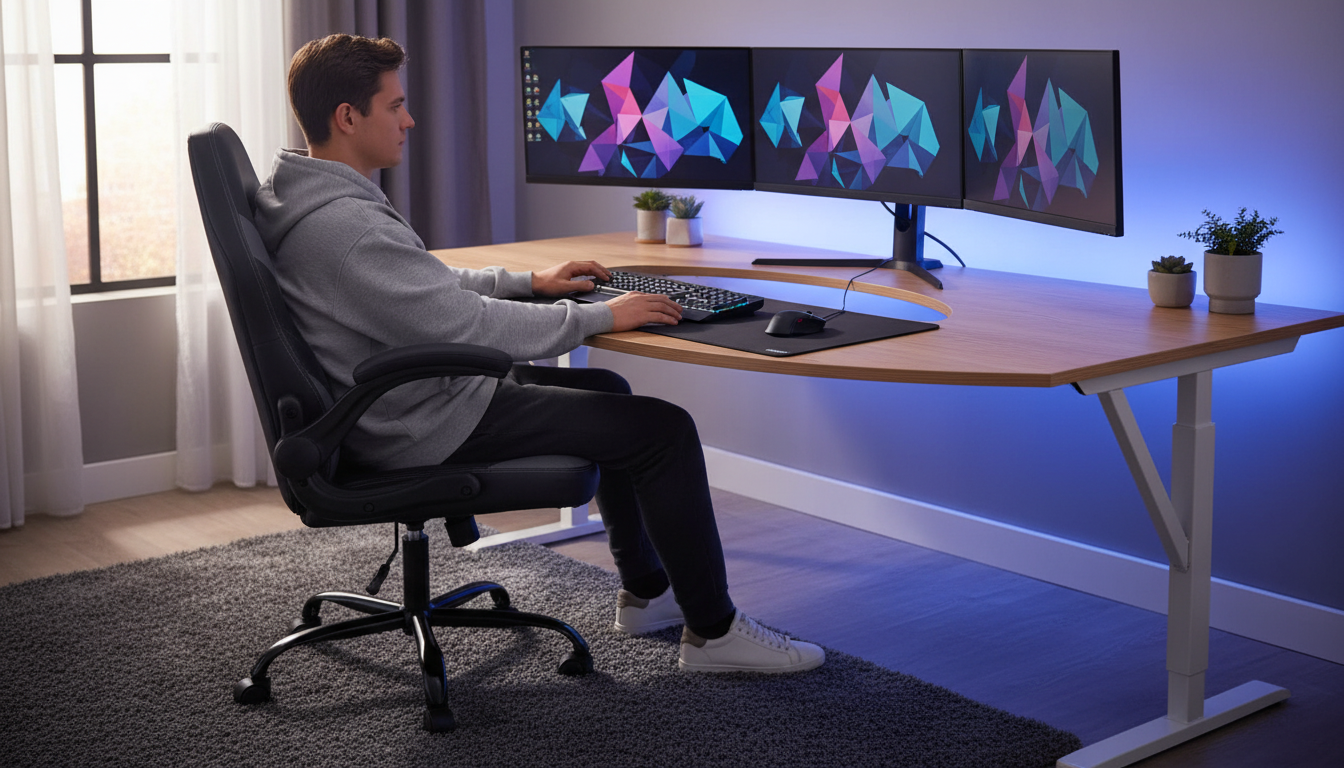
A supportive chair can make long sessions feel easier on the back, shoulders, and hips. The goal isn’t to sit perfectly still—it’s to sit in a position that feels stable, keeps your spine supported, and still allows small shifts throughout the day. Below is a practical breakdown of what matters most in an ergonomic gaming/office chair—adjustability, posture support, materials, and day-to-day comfort—plus an easy checklist for matching the chair to your desk setup.
“Ergonomic” should translate to how you feel after a few hours, not just how a chair looks in photos. The most comfortable chairs tend to share a few fundamentals:
For broader workstation guidance, reputable references like the OSHA Computer Workstations eTool and Mayo Clinic’s office ergonomics guide reinforce the same theme: match the chair to the task and keep your body in a comfortable, supported alignment.
Whether you’re typing, taking meetings, or gaming, prioritize features that help you maintain a relaxed posture without “holding yourself up.”
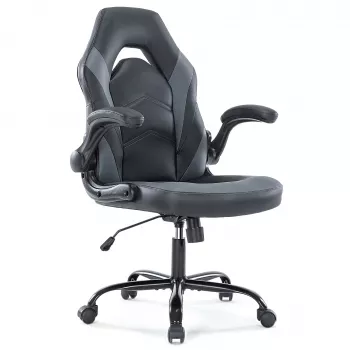
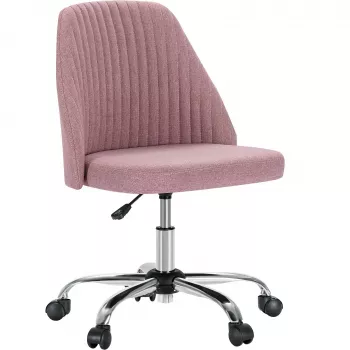
If you’re upgrading your setup, these in-stock picks pair comfort with day-to-day practicality:
A great chair still needs a good setup. Small adjustments can dramatically change how your back and shoulders feel later in the day.
For additional ergonomics research and visual references, Cornell’s resource hub is a helpful companion: Cornell University Ergonomics Web.
Comfort isn’t just padding thickness. Over time, materials and construction determine whether the chair still feels supportive or slowly turns into a slouch trap.
| Adjustment | Good Target | Why It Helps |
|---|---|---|
| Seat height | Feet flat; knees about 90° | Reduces pressure on thighs and supports stable posture |
| Seat depth | 2–3 fingers between seat edge and back of knees | Helps circulation and reduces knee pressure |
| Back support | Lower back feels “filled in,” not pushed forward | Encourages neutral spine and reduces slouching |
| Arm position | Elbows near sides; shoulders relaxed | Helps prevent shoulder shrugging and neck tension |
| Monitor height | Top of screen near eye level | Reduces neck bending and upper-back strain |
Start with seat height so feet are flat and knees are near 90°, then sit all the way back so your lower back is supported. Set armrests so shoulders stay relaxed and elbows are close to your sides, then place your monitor near eye level and pull the keyboard/mouse close enough that you don’t lean forward.
It can be, as long as it supports neutral posture and offers enough adjustability to match your body and desk height. The “gaming” style alone doesn’t guarantee comfort—fit, lumbar contact, and arm/desk alignment matter most for long sessions.
Use your body as the measuring tool: set chair height so your feet are flat and your elbows land near a 90° bend at the desktop when your shoulders are relaxed. If the desk is higher than your comfortable leg position, add a footrest instead of raising the chair too much.









Leave a comment